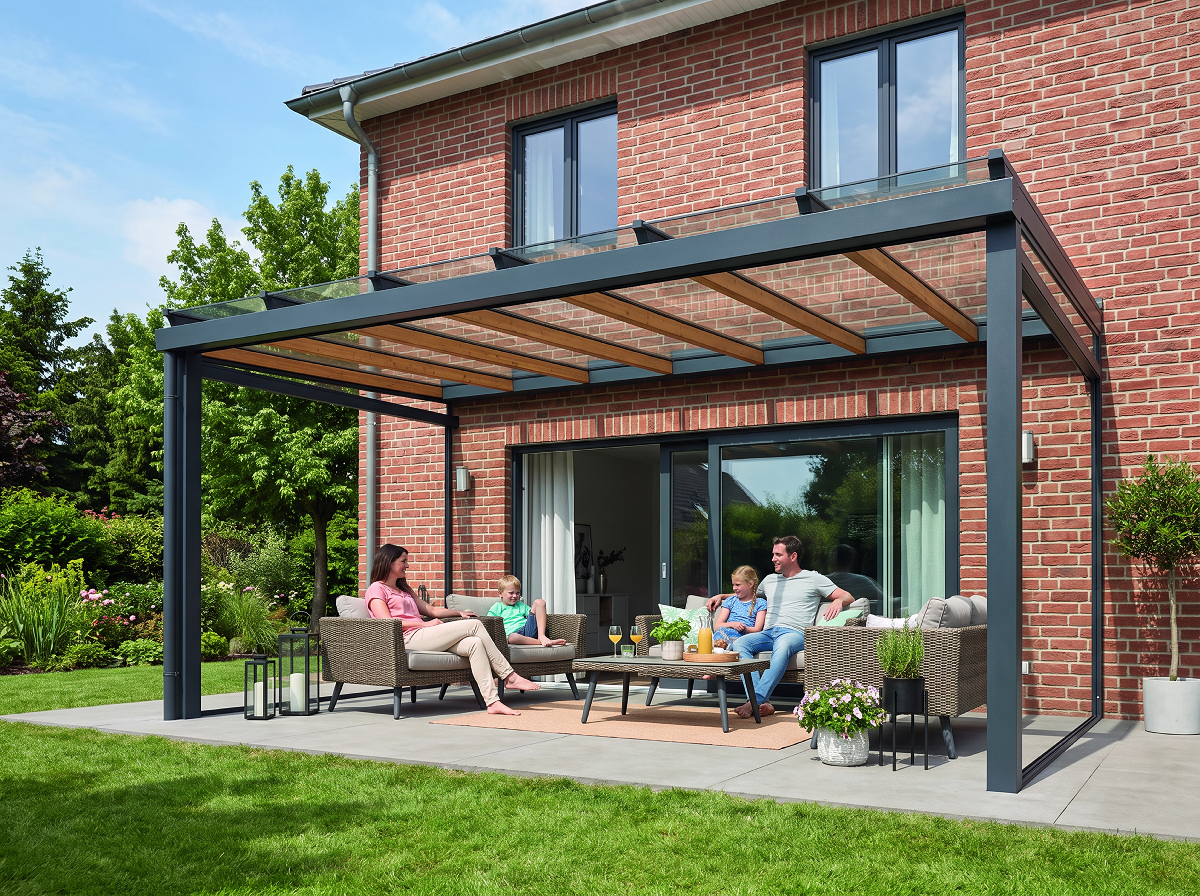
Residential
Homeowners commit sooner when they can assess the product on their own property, rather than in a brochure photograph of someone else's.
Steplot places your products on a photograph of the client's building at true scale and generates a photorealistic render during the site visit. Proposals no longer wait on external rendering.
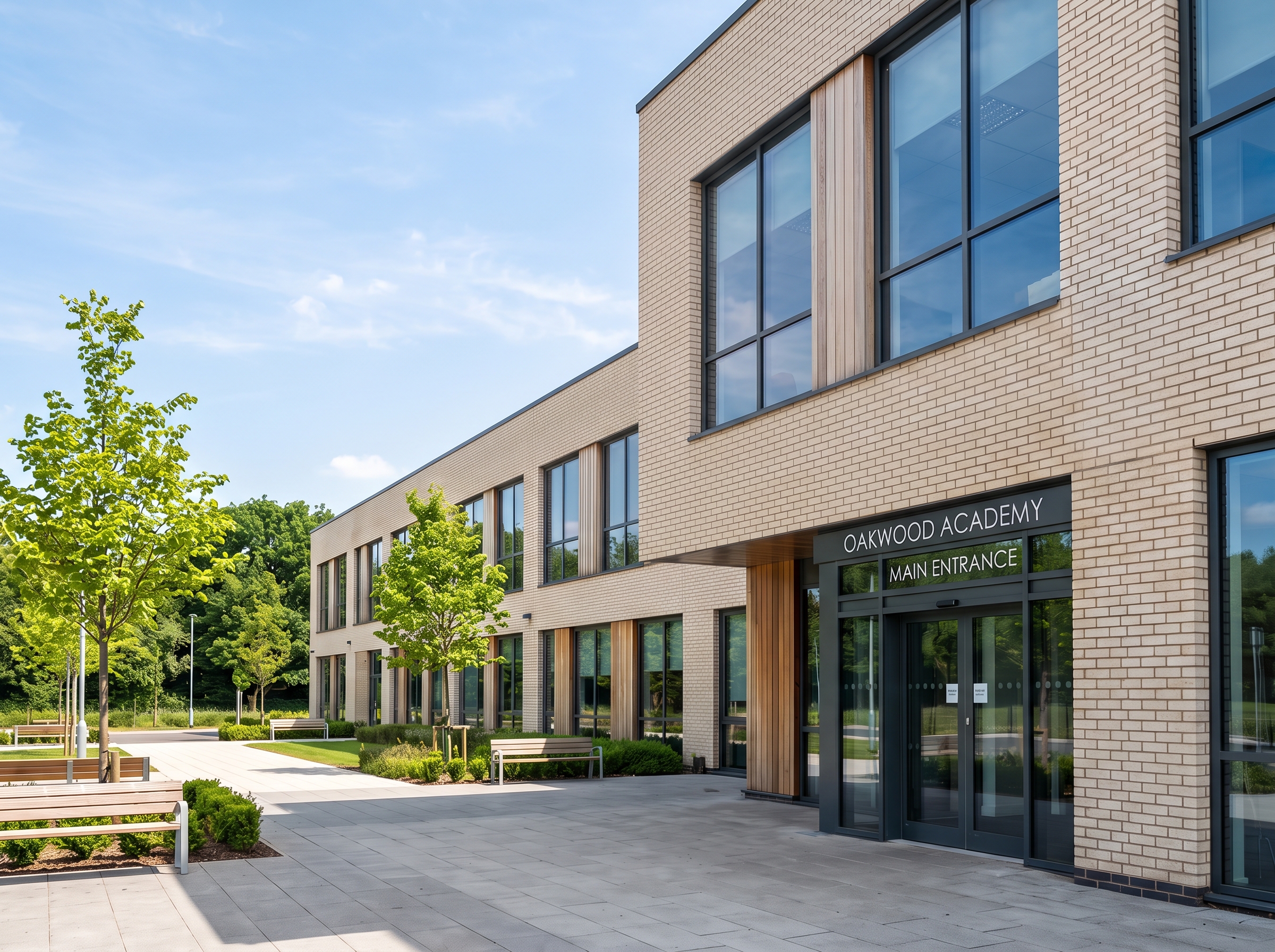 Site photo
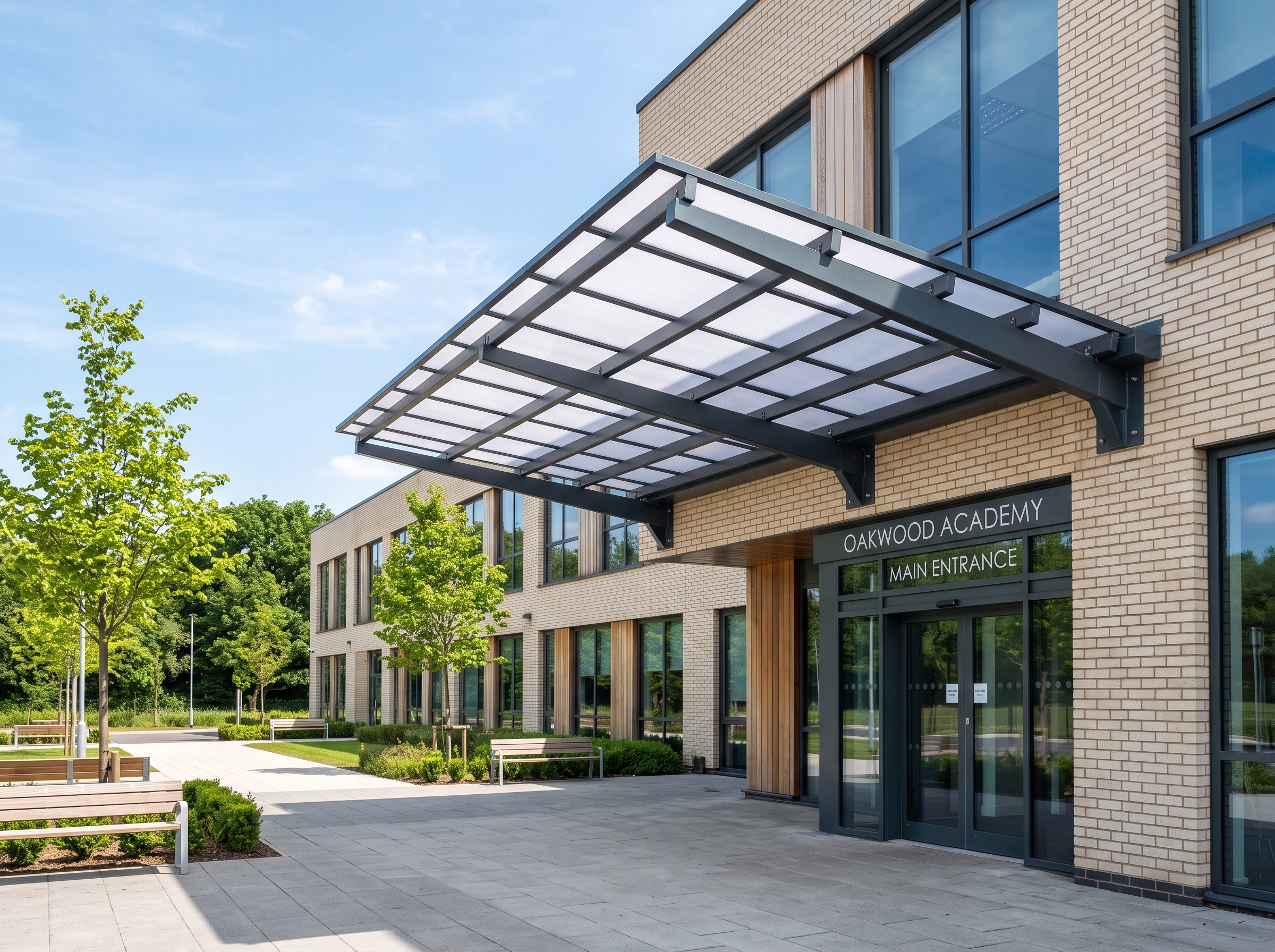 With Steplot
For manufacturers and installers of canopies, verandas, pergolas, carports and shade structures.
Why Steplot
The usual route to a site-specific visual runs through a studio and back again. With Steplot the whole programme fits inside the first visit.
Conventional process
Days or weeksWith Steplot
Same dayIllustrative programme. Studio turnaround varies by supplier and revision rounds.
The platform
An iPhone and iPad app for the person on site, and a web dashboard for the office. Both work from your own product range.
A single photograph taken on site is all that is needed. Every design is shown on the client's building at its true size.
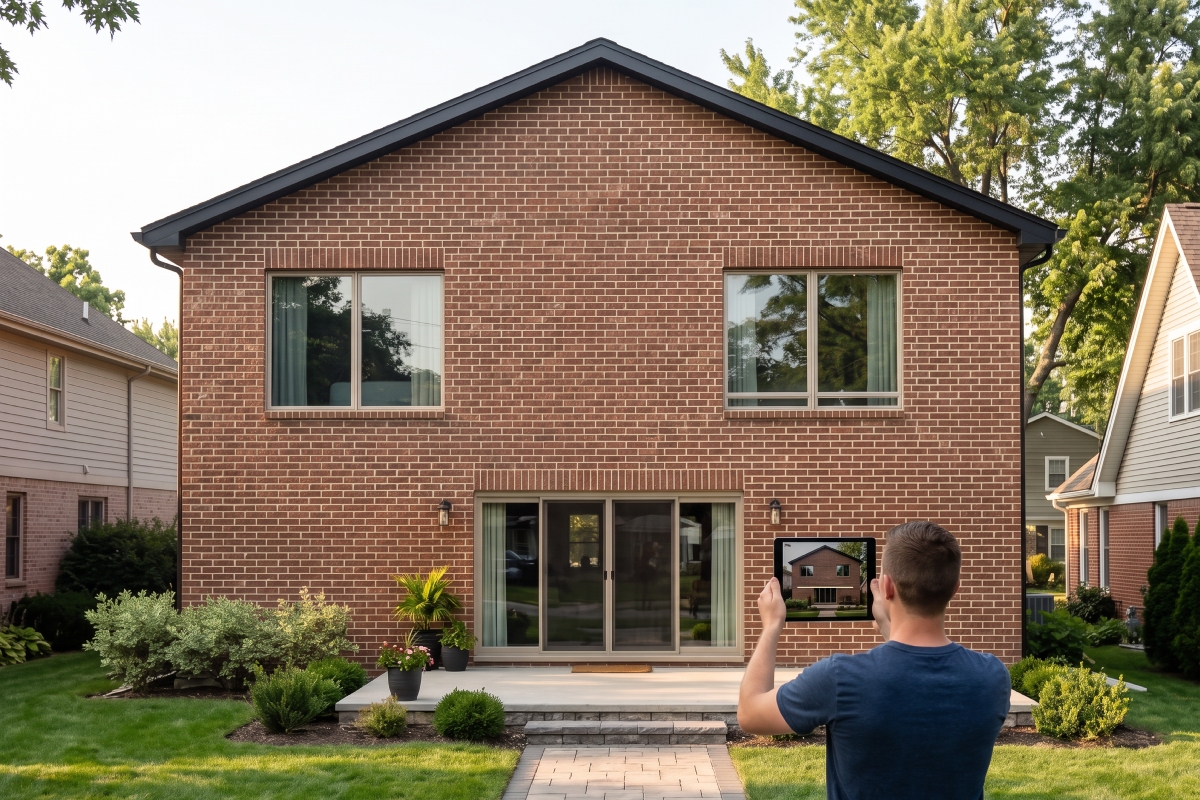
Your range is configured to your specifications and finishes. Every proposal shows products you manufacture or supply, in sizes you can deliver.
Frame
Roof sheet
Example finishes. Your range is set up with the options you actually offer.
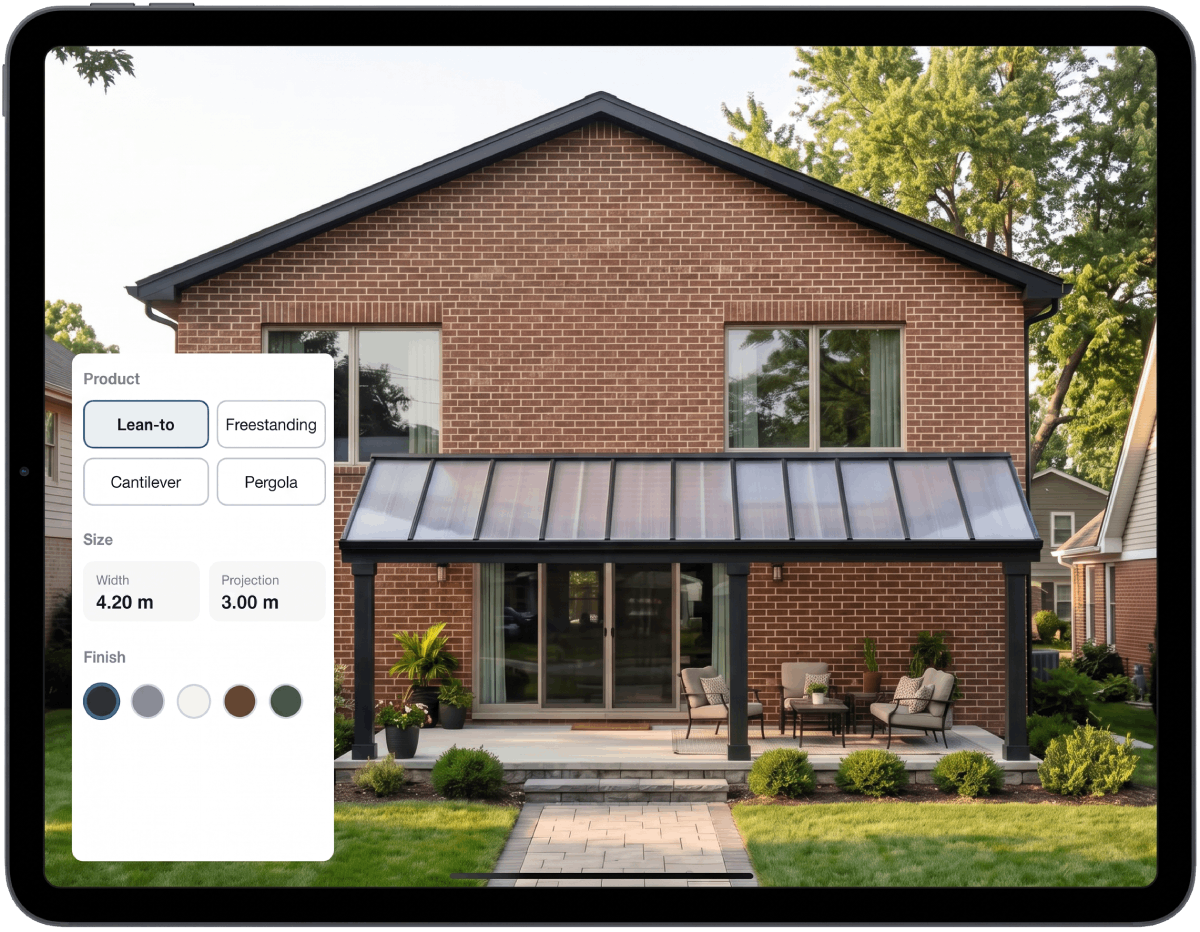
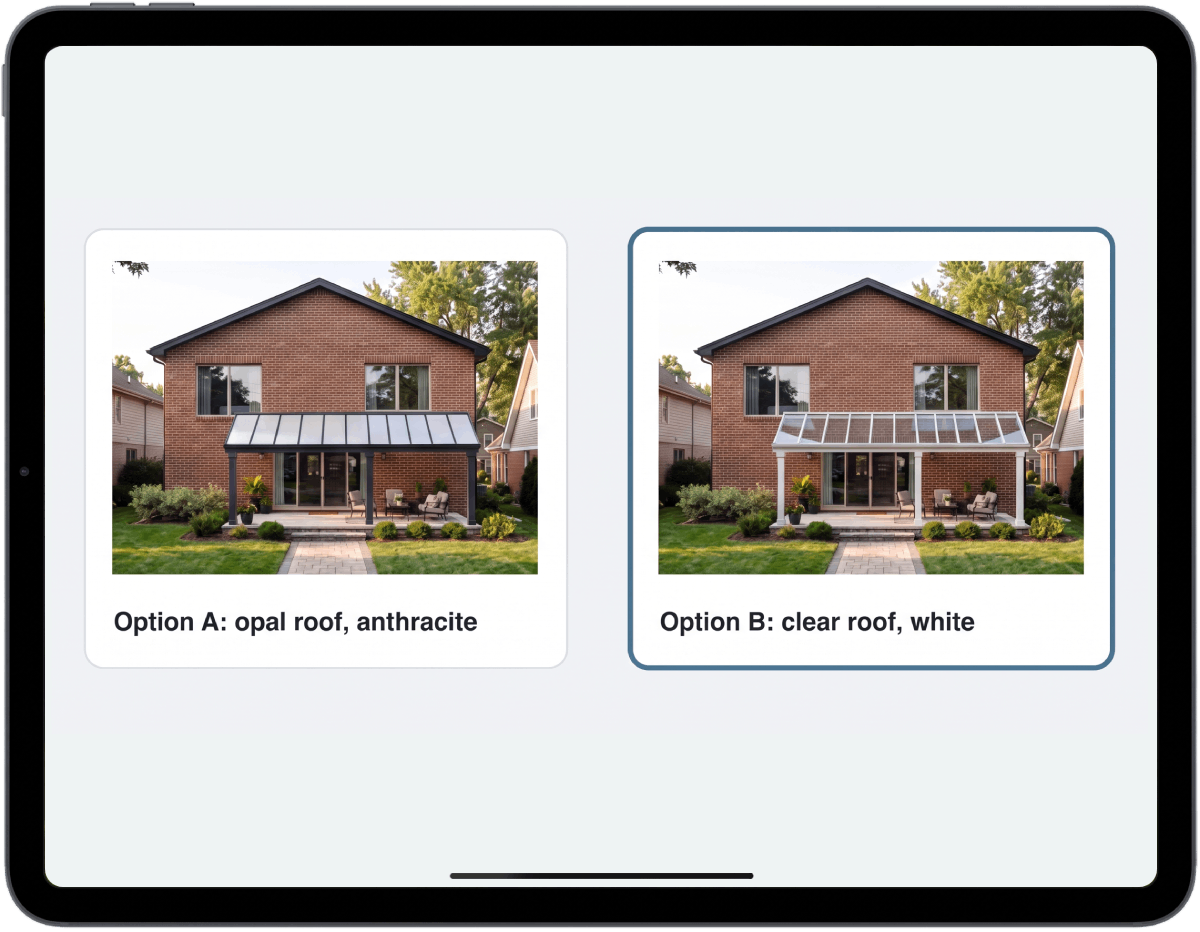
Dimensions, mounting, roofing and finish can be adjusted during the meeting, and alternative configurations compared on the same photograph. Revisions no longer require a further visit.
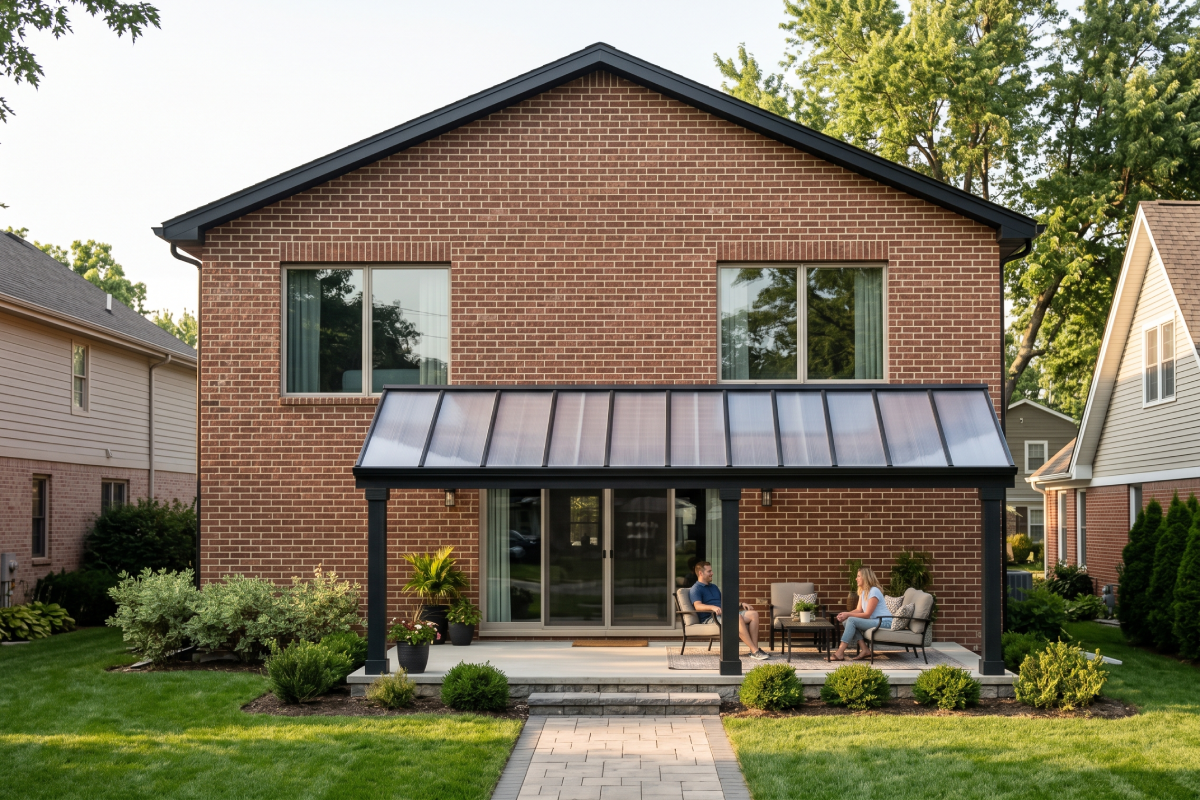
The agreed design is rendered as a photorealistic image of the client's building, typically within minutes, ready to include in the proposal.
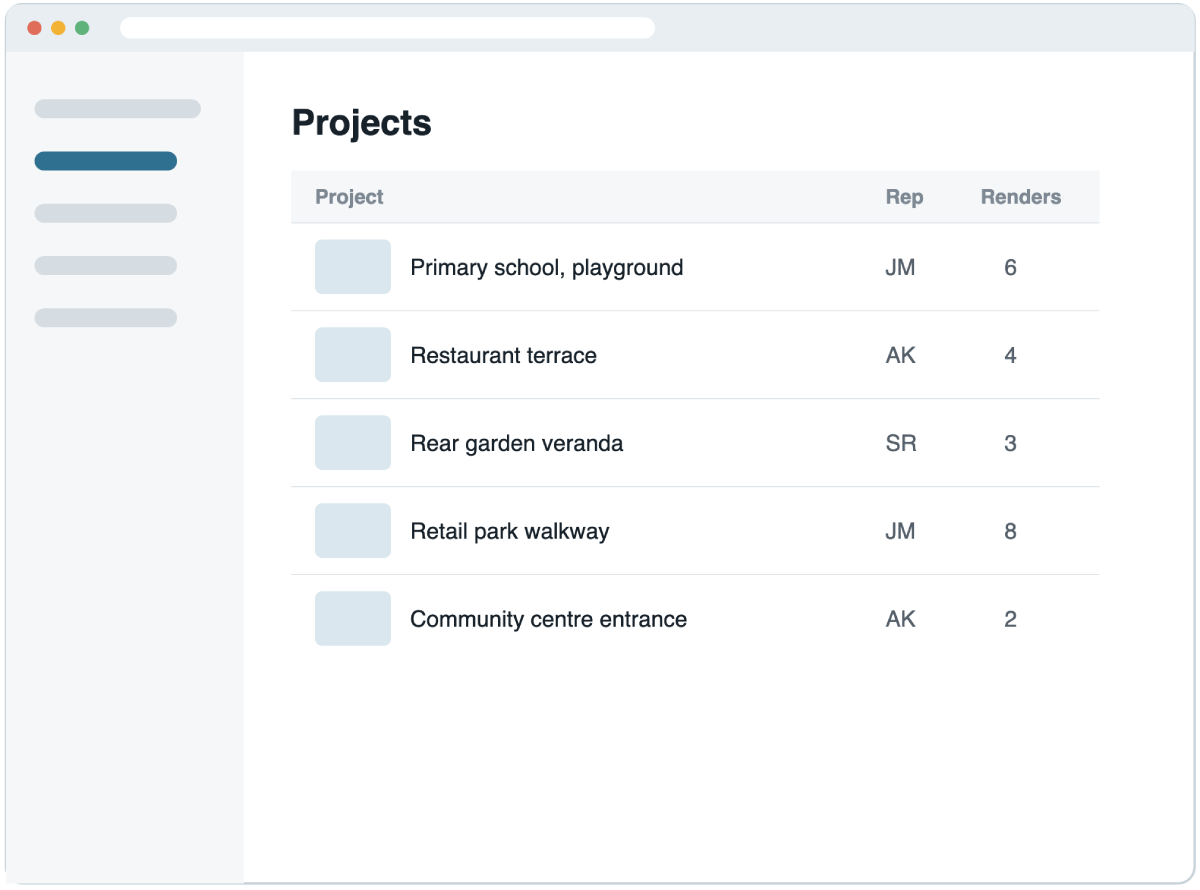
Every job, design and render is synchronised to the web dashboard, giving sales management and office staff a complete, current record without collecting files from the field.
Use cases
Homeowners commit sooner when they can assess the product on their own property, rather than in a brochure photograph of someone else's.
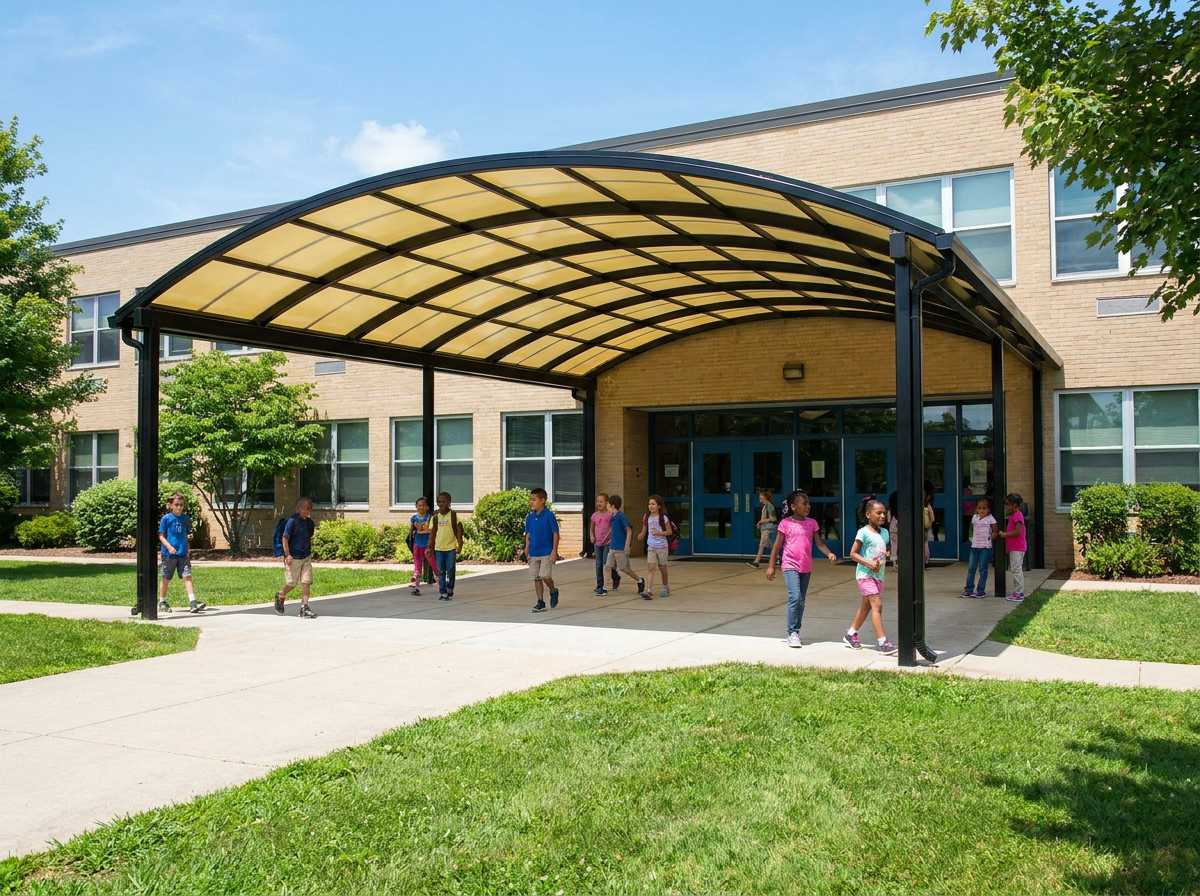
Projects approved by governing bodies, committees and planning authorities need clear, site-specific visuals for review and sign-off.
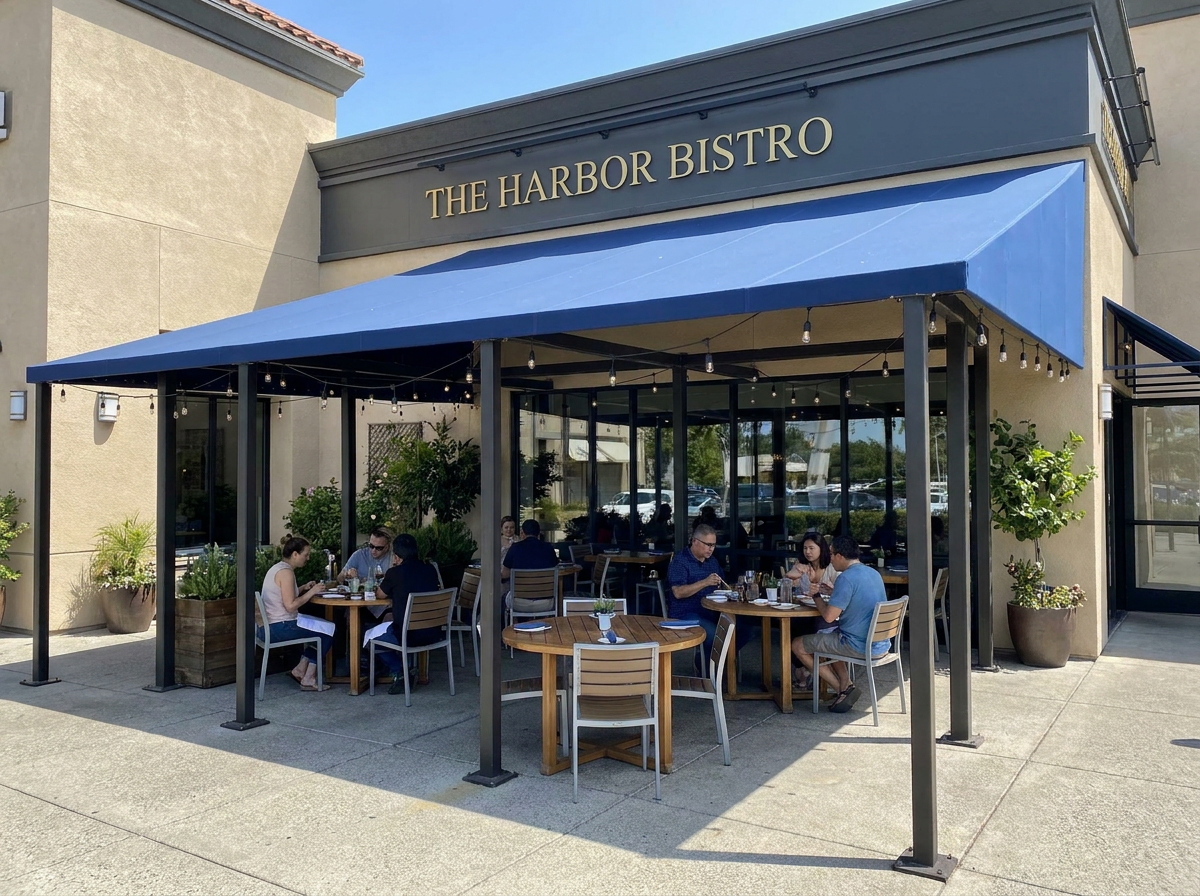
Owners, landlords and brand teams can review size, position and appearance on the actual premises before an order is placed.
Proposals with site-specific visuals are issued at or immediately after the first visit, ahead of competing quotations.
Optional extras such as side screens, lighting and larger spans are easier to justify when shown on the client's own building.
Dimensions, clearances and finishes are agreed against a scaled visual before ordering, reducing remakes and post-installation claims.
Visuals are produced in-house for every project, without outsourcing or waiting on revision rounds.
Implementation
We build your range into the app for you, at no charge.
Step 1
You provide drawings, specifications and finishes for your range.
Step 2
We build your products into Steplot and supply sample renders for your approval. There is no setup fee.
Step 3
Your team installs the app from the App Store. Your products are available on every iPhone and iPad in the company.
New accounts include 3 free jobs and setup of up to 3 products, so you can evaluate Steplot with your own range. Once you purchase jobs, we set up the rest of your range in stages.
An iPhone or iPad running a current version of iOS or iPadOS for site work, and any modern web browser for the dashboard. No additional equipment is needed.
Not yet. Steplot is available for iPhone and iPad, and an Android version is planned. Contact us if your team uses Android devices.
Canopies, verandas, pergolas, carports, covered walkways and other shade structures, for residential and commercial projects. Further product categories are in development.
Designs are shown at true scale. Renders are intended for sales and approval; final measurements should be confirmed by survey before manufacture.
Typically a few minutes.
Per job, at a rate agreed with each company. There are no subscriptions, per-user fees or setup fees. See pricing.
Demonstrations can be prepared with a sample of your own range. New accounts include 3 jobs at no charge.